I still remember the first time I wanted to build a website. I had an idea, but no coding skills and no clue where to start. I tried a few online tools, and honestly, it felt overwhelming. That’s when I discovered WordPress, and everything changed. WordPress made it simple for me to create my own website without hiring a developer or learning complicated code.
I realized it is truly the best way to create a website for anyone who wants control, flexibility, and a professional look. Whether you’re starting a blog, launching a business, or selling products online, WordPress acts as the easiest website builder that anyone can use. It also offers the easiest way to build a website with ready-made themes, plugins, and simple customization options. If you want to get online quickly and confidently, WordPress is the platform to start with.
What is WordPress and Why You Should Create a Website?
WordPress is a powerful, open-source content management system that lets individuals and businesses build any kind of site from blogs and portfolios to full eCommerce stores, without advanced coding. It powers a huge share of the internet because it is flexible, scalable, mobile-friendly, and supported by thousands of themes and plugins. Creating a website with WordPress helps you control your brand, reach customers directly, and grow visibility through SEO-ready structure and analytics integrations.
Whether you run a startup, service company, or personal brand, owning your site means independence from social platforms and rented audiences. For many beginners and professionals, the cool way to create a website is to use WordPress because it combines ease of use with professional features, reliable security updates, and endless design customization options for long-term online success worldwide.
Step-by-Step Guide to the Best Way to Create a Website Using WordPress
Creating a website doesn’t have to be complicated. In this step-by-step guide, you’ll learn the best way to create a website using WordPress, from choosing a domain to launching your fully functional site. Follow these steps to build a professional, fast, and user-friendly website with ease.
Step 1: Choose a domain name and reliable web hosting (detailed)
Your domain name is your brand identity online. It should reflect your business, blog idea, or personal name so visitors can easily remember it. Hosting is the service that stores your website files and makes them available on the internet. Both decisions directly affect branding, SEO visibility, and website performance, which is why they are fundamental in the best way to create a website.
When choosing your domain:
- Avoid complex spellings and numbers
- Choose something simple to pronounce
- Use relevant keywords if possible
- Ensure social media handles are available
When selecting hosting:
- Prefer WordPress-optimized hosting
- Look for 99.9% uptime guarantee
- Choose customer support availability
- Confirm scalability for future traffic
Good hosting improves page loading speed, user experience, and Google rankings. Cheap, unreliable hosting may cost you more later through downtime and security issues.
Step 2: Install WordPress
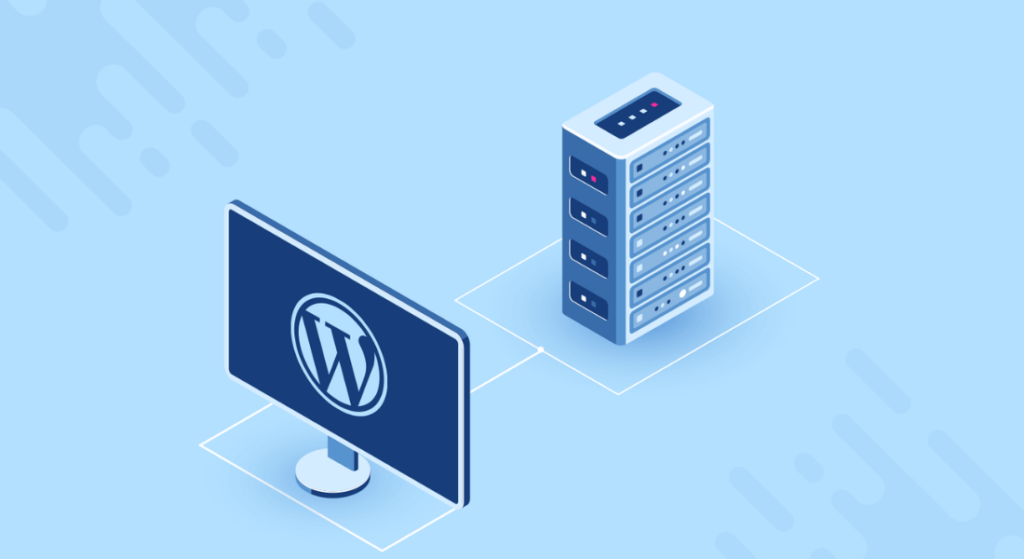
Once you purchase hosting, installing WordPress is very straightforward. Most hosting companies offer a “1-click WordPress Install, which automatically sets up files and database connections for you. This is beginner-friendly and considered part of the easiest way to build a website.
You can install WordPress in three ways:
- One-click installer
- Found inside the hosting dashboard
- Takes 2–3 minutes to complete
- Recommended for non-technical users
- Manual upload via FTP
- Download WordPress from wordpress.org
- Upload to the hosting server
- Create database manually
- Suitable for advanced users
- Managed WordPress hosting
- WordPress comes pre-installed
- Automatic backups and updates
- Fastest option for beginners
After installation, log in to your dashboard using:
yourdomain.com/wp-admin
Here you control everything posts, pages, themes, plugins, and settings, which form the foundation of the cool way to create a websiteusing WordPress.
Step 3: Select the right WordPress theme
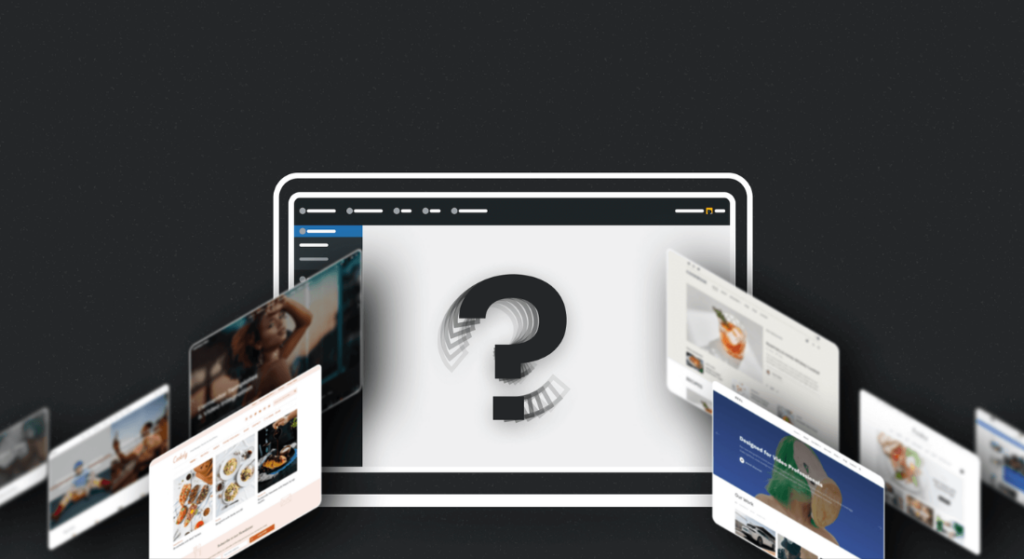
Your theme decides how your website looks and feels. The theme controls menus, fonts, colors, page layouts, blog styling, and responsiveness. Picking the right theme is essential if you want professional design without hiring a developer.
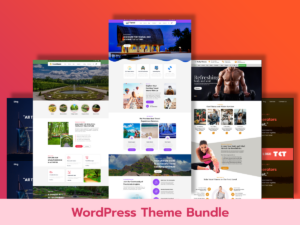
You can use free themes or premium ones, depending on your needs. For multipurpose and high-quality designs, explore:
When evaluating themes, check:
- Mobile-responsive design
- Fast loading speed
- Compatibility with page builders
- Frequent updates from developers
- Positive user reviews
Avoid heavy themes overloaded with features you don’t need. Lightweight themes contribute to the best way to create a website because they help with:
- SEO rankings
- Faster loading
- Better usability
- Lower bounce rate
If you’re confused, start with a multipurpose theme and customize it later.
Step 4: Add essential plugins to extend functionality (more elaboration)
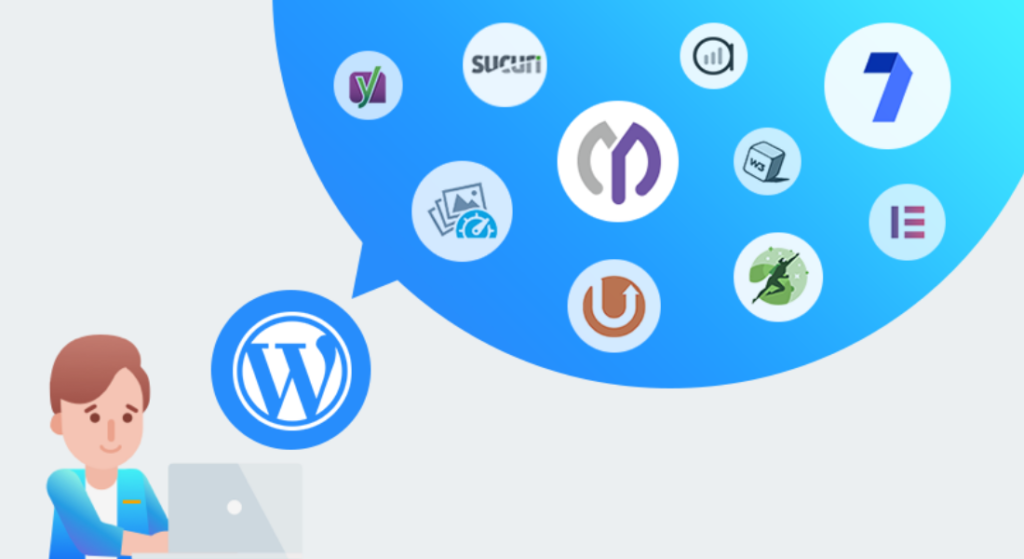
WordPress plugins act like apps for your website. They add new features without coding, making WordPress the easiest website builder for beginners and advanced users alike.
Examples of what plugins can do:
- Improve SEO
- Design pages visually
- Protect site from hackers
- Add eCommerce functionality
- Speed up your website
- Integrate email marketing tools
Looking for more SEO-focused plugins? Explore this content, WordPress free SEO plugins to know more about plugins. Essential plugin categories you should install:
- SEO plugins (rank higher on Google)
- Backup plugins (restore site easily if something breaks)
- Security plugins (block attacks and malware)
- Contact form plugins (allow users to reach you)
- Caching plugins (boost speed and performance)
- Image optimization plugins (reduce file size without losing quality)
Using plugins wisely is truly part of the best way to create a website just avoid installing too many because unnecessary plugins may slow down your site.
Step 5: Customize your design and branding
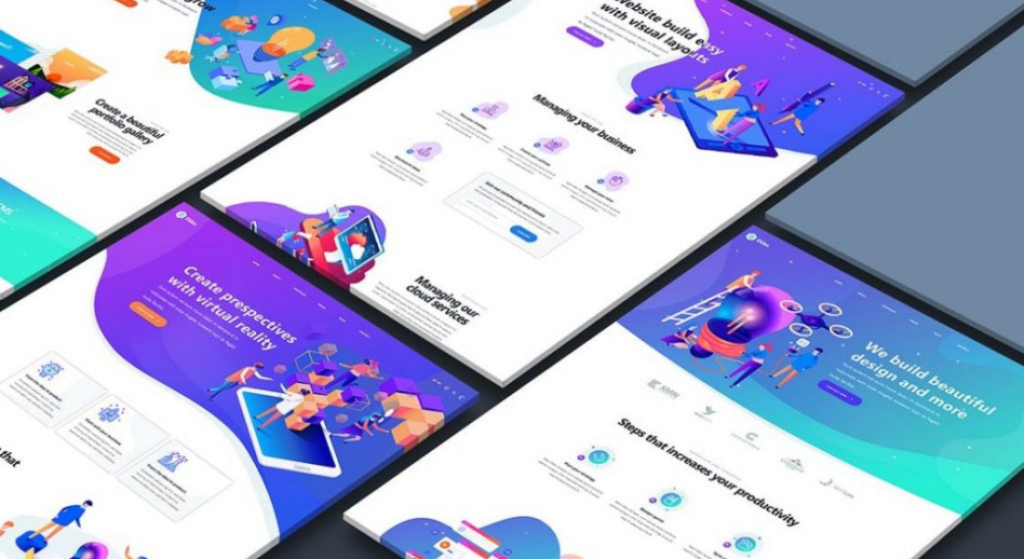
Customization turns a generic theme into your brand identity. This step helps your website stand out and feel consistent across every page.
Things you should customize:
- Header and navigation menu
- Footer with important links
- Homepage layout
- Hero section with headline and CTA
- Typography styles
- Brand color palette
Branding tips to follow:
- Use only two or three primary colors
- Ensure text is readable on backgrounds
- Maintain consistent button styles
- Use high-quality images
You can customize using:
- WordPress Customizer
- Theme settings panel
- Page builders like Elementor or Gutenberg
Professional customization strengthens user trust, conversions, and memorability critical elements of the best way to create a website.
Step 6: Create core pages and publish quality content

A beautiful website without meaningful content cannot succeed. Content communicates your message, attracts search traffic, and converts visitors into customers.
Core pages your site should include:
- Homepage – first impression
- About Page – your story and mission
- Services or Products – explanation of offerings
- Blog – educational or promotional content
- Contact Page – inquiry options
- Privacy Policy and Terms – legal compliance
Content writing best practices:
- Write in simple language
- Use headings and bullet points
- Insert keywords naturally
- Add internal and external links
- Avoid large text blocks
This stage allows you to create your own website that feels informative, professional, and trustworthy.
Step 7: Optimize for SEO, speed, and performance

Website success depends on visibility and performance. A slow or unoptimized site loses rankings, traffic, and conversions.
SEO optimization includes:
- Optimizing titles and meta descriptions
- Using proper heading structure (H1, H2, H3)
- Adding alt text to images
- Internal linking between pages
- Submitting sitemap to Google
Speed optimization includes:
- Caching pages
- Minimizing CSS and JavaScript
- Compressing images
- Using lightweight themes
- Enabling lazy loading
When you combine SEO + speed + mobile performance, you truly follow the best way to create a website in modern digital marketing standards.
Step 8: Configure security and backups
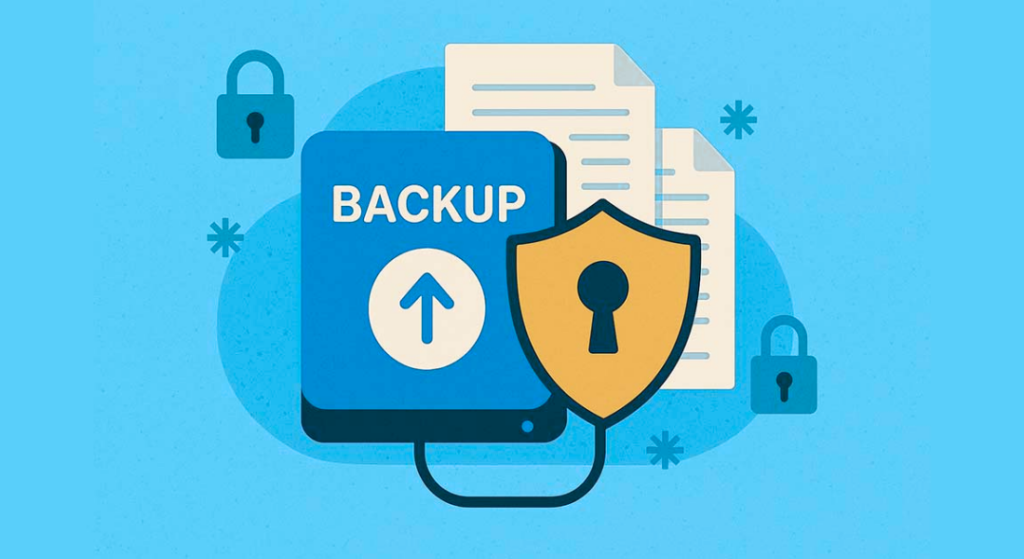
Security protects your online business reputation and prevents data loss. WordPress security is not automatic; you must configure and maintain it.
Important security actions:
- Change default admin username
- Limit login attempts
- Enable two-factor authentication
- Install a malware scanner
- Use SSL certificate (HTTPS)
Backup strategies:
- Set automatic daily backups
- Store backups off-site (Google Drive or cloud)
- Verify restoration works
Regular updates of the WordPress core, themes, and plugins are part of the best way to create a website, as outdated software is one of the main reasons websites get hacked.
Step 9: Add ecommerce, bookings, or membership features

WordPress allows you to grow your site into anything:
You can add:
- Online shop using WooCommerce
- Appointment booking system
- Membership or subscription platform
- Course selling LMS
- Digital downloads store
This flexibility is why WordPress is often named the easiest way to build a website for business owners, coaches, educators, and freelancers.
Monetization possibilities:
- Sell services
- Sell physical products
- Sell digital products
- Run paid communities
- Place advertisements
You can start small and expand later without rebuilding your entire site.
Step 10: Launch, test thoroughly, and promote (expanded)
Before launching publicly, test your website carefully.
Test the following:
- Links and buttons
- Contact or sign-up forms
- Page loading speed
- Mobile responsiveness
- Checkout and payment process
- Grammar and spelling
Promotion strategies after launch:
- Share on social media
- Write blog posts regularly
- Do email marketing
- Optimize for local SEO
- Collaborate or guest post on other sites
Consistent promotion and updates are the best way to create a website, helping it grow instead of staying invisible online. To understand how the right design can impact your store’s success, read this blog on free WordPress WooCommerce themes perfect for eCommerce websites.
Conclusion
Building a website today has never been easier, and WordPress makes it the best way to create a website for beginners and professionals alike. With WordPress, you can create your own website quickly, using pre-built themes, plugins, and drag-and-drop editors. It is recognized as the easiest website builder, offering flexibility for blogs, business websites, portfolios, and online stores.
By choosing the right theme, optimizing your content for SEO, ensuring fast performance, and securing your site, you set up a professional website that attracts visitors and grows your brand. Additionally, WordPress supports eCommerce, membership sites, booking systems, and more, giving you endless possibilities to monetize your website. For anyone looking for the easiest way to build a website, WordPress is the ultimate platform that combines simplicity, power, and scalability. Start today, and take control of your online presence with confidence.
FAQ Related to the Best Way to Create a Website
Is WordPress the easiest website builder?
Yes. WordPress is considered the easiest website builder because it offers pre-designed templates, visual editors, and plugins that make designing and managing a site simple for beginners.
Can I build a website without coding?
Absolutely! With WordPress, you can use the easiest way to build a website without touching any code. Themes and page builders let you customize layouts, colors, fonts, and content visually.
How much does it cost to create a WordPress website?
Costs vary depending on your hosting, premium themes, and plugins. Basic websites can start from a few dollars per month, while premium features may cost more.
Can I sell products or services on WordPress?
Yes. WordPress supports WooCommerce, booking plugins, and membership platforms, making it perfect for eCommerce, courses, or service-based businesses.
Do I need technical skills to maintain a WordPress site?
Not really. WordPress is beginner-friendly, and regular updates, backups, and simple plugins make maintenance manageable without advanced technical skills.
Can WordPress help my site rank on Google?
Yes. WordPress is SEO-friendly and supports plugins for keyword optimization, sitemaps, metadata, and faster loading speed, helping your website rank higher in search results.
Is it safe to build my website on WordPress?
WordPress is secure if you use strong passwords, enable two-factor authentication, update themes and plugins, and use security plugins. Regular backups also protect your data.