So, you want to know how to create free website on WordPress, right? It sounds tricky, but don’t worry, it’s actually pretty easy. Imagine having your own website for your blog or business without spending a single penny. Sounds cool? This guide will show you step-by-step how to make your WordPress site from scratch.
No tech magic or coding skills needed, just simple tricks to pick a nice theme, add your stuff, and get it looking good. Plus, you’ll learn how to make sure people find your site on Google. If you’ve ever felt stuck or confused about building a website, this chill guide will keep things simple, fun, and super clear. Ready? Let’s get started and build that awesome website you dreamed of!
Why Choose WordPress to Create a Free Website?
WordPress is the most popular website-building platform globally, powering over 40% of all websites. Its free, open-source nature means you’re not locked into expensive software or restrictive plans. Plus, WordPress combines user-friendliness with powerful customization features.
If you want to create a free website on WordPress, the benefits include:
- User-friendly interface: Drag-and-drop editors like Elementor make building pages easy without code.
- Free themes and plugins: Thousands of free designs and features so you can build your ideal site on a budget.
- Flexible customization: Control every detail from colors to fonts and layouts easily.
- SEO built-in: WordPress is optimized for search engines, helping you reach your audience organically.
Step-by-Step Guide: How to Make a Free Website on WordPress for Your Business or Blog
If you’ve been wondering how to create a free website on WordPress with ease and professionalism, this step-by-step guide will walk you through everything you need to know, from signing up and picking the perfect theme to customizing your content and launching your site for your business or blog.
Step 1: Get Started with WordPress Setup
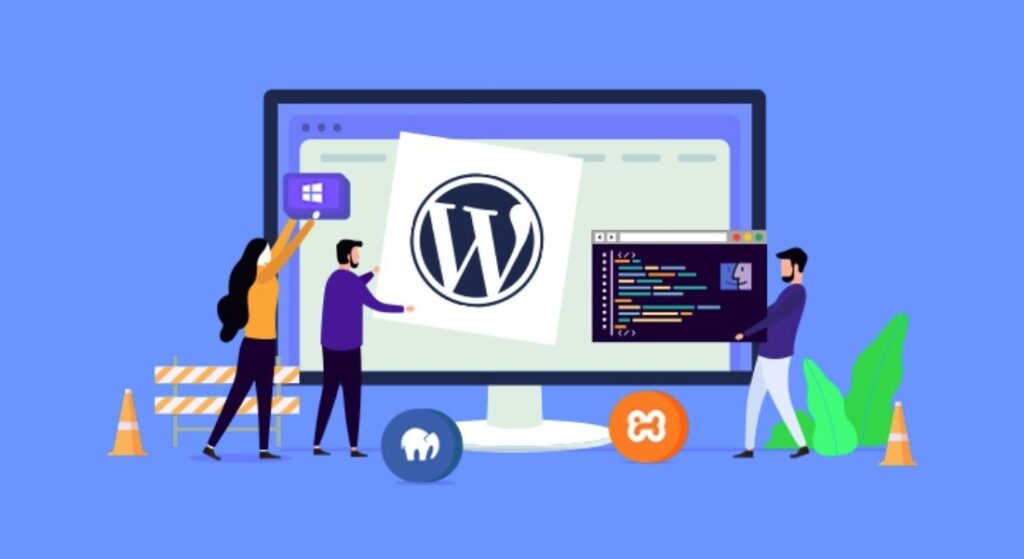
The first step to make a free website on WordPress is to sign up for WordPress.com. The free plan lets you create a website under a WordPress subdomain, which is ideal for experimenting and building your presence. Once you create your account, you can select a basic theme to start your site’s design.
Later, if you want advanced control, you can use WordPress.org with your own hosting. But the free WordPress.com setup is perfect for beginners and testing ideas.
Step 2: Find the Perfect Theme for Your Website
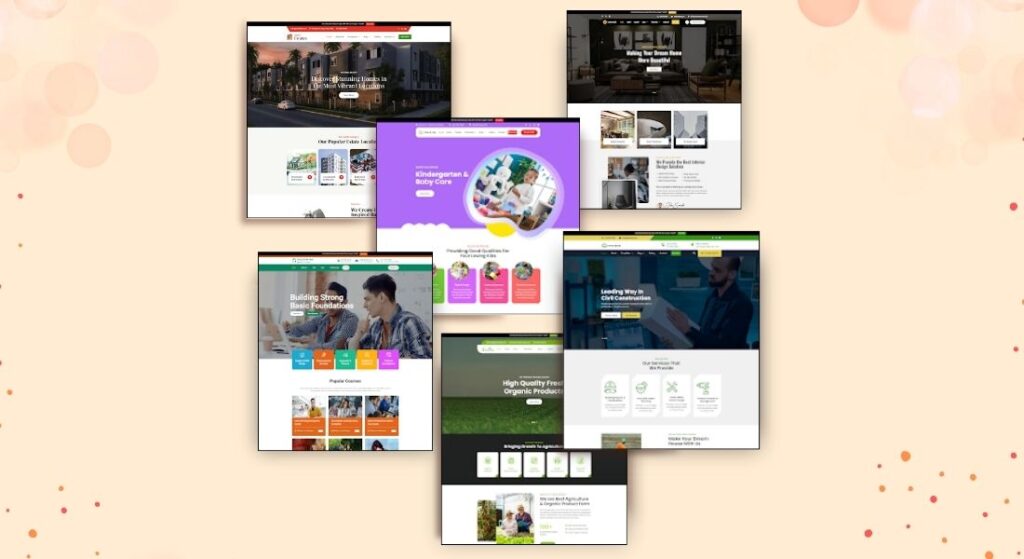
Your website’s look and feel depend heavily on the theme you choose. WordPress offers a huge range of free and premium themes across industries and purposes—from blogs to business sites.
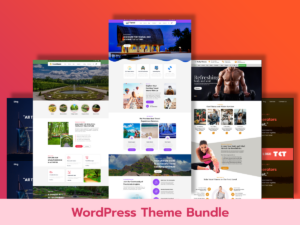
For a fast, modern, and fully customizable design, consider themes that integrate drag-and-drop page builders like Elementor. For example, you can explore the Theme bundle of 20+ Elementor themes catering to various niches, businesses, e-commerce, portfolio, or personal blogs.
These themes come with features like:
- One-click demo import to get started quickly.
- Mobile-responsive design so your site looks great on phones and tablets.
- SEO-friendly code to boost search engine rankings.
- Regular updates for security and new features.
If you want a theme targeted to specific industries, options like fashion WordPress theme or a construction WordPress theme can give your site an edge with tailored layouts and styles.
Step 3: Customize Your Website Effortlessly
After choosing your theme, head to the WordPress Customizer or the theme’s built-in live editor. Here you can personalize everything in real-time, upload your logo, change colors, choose fonts, and arrange your homepage layout. The best themes also come with ready-made demo content, so you don’t have to start from scratch. You simply import the demo, then swap text and images with your own. It’s a huge time-saver and ensures a professional look. You can also explore more themes or color palettes from collections like premium WordPress themes, which offer enhanced options suitable for growing businesses or ambitious bloggers.
To dive deeper into customization, read How to Customize a WordPress Template: A Beginner’s Guide for step-by-step instructions. You can also explore more themes or color palettes from collections like premium WordPress themes, which offer enhanced options for growing businesses or ambitious bloggers.
Step 4: Create Essential Pages for Your Site
Every website needs a clear structure. To make a free website on WordPress that truly represents your brand, be sure to create:
- Home Page: Where visitors land, so keep it inviting with your best content and offers.
- About Page: Tell your story, vision, and what makes you unique.
- Blog or Services Page: Share news, tips, or detail your business offerings.
- Contact Page: Include a form or your contact info so visitors can easily reach you.
Creating pages is straightforward in WordPress. Just add new pages and use blocks or page builders to insert text, images, buttons, and more.
Step 5: Install Plugins to Boost Site Functionality
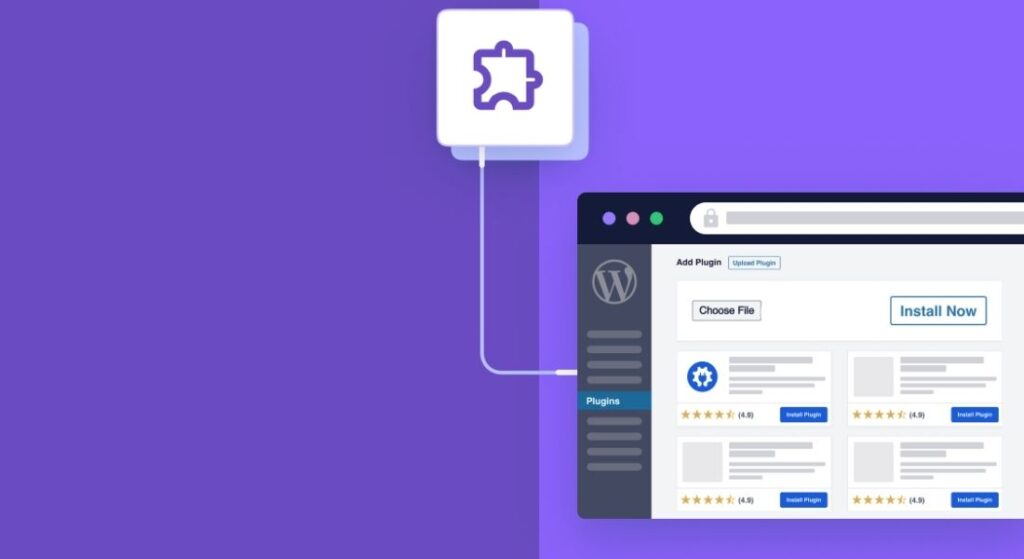
Plugins extend what your WordPress site can do. When you make a free website on WordPress, focus on quality over quantity. Essential free plugins include:
- Yoast SEO or Rank Math: To optimize your content’s search engine friendliness.
- Contact Form 7: For easy-to-add contact forms.
- WooCommerce: If you want to add an online store later, WooCommerce is the most robust free solution.
- WP Super Cache: Speeds up your site by caching pages.
Adding plugins thoughtfully ensures your site stays fast and secure while gaining useful features.
Step 6: Produce Content with Clear SEO in Mind
The heart of your website is its content. Write with your audience in mind, using simple, friendly language. Focus on useful topics, storytelling, and answering visitor questions.
When considering SEO, sprinkle terms naturally. Use headings, bullet points, and short paragraphs to make reading easy. Also, optimize your meta titles and descriptions to improve your site’s click-through rates from search engines.
Search engines also favor fast-loading, mobile-friendly websites, so use themes and plugins that support these features.
Step 7: Preview and Test Your Site on All Devices
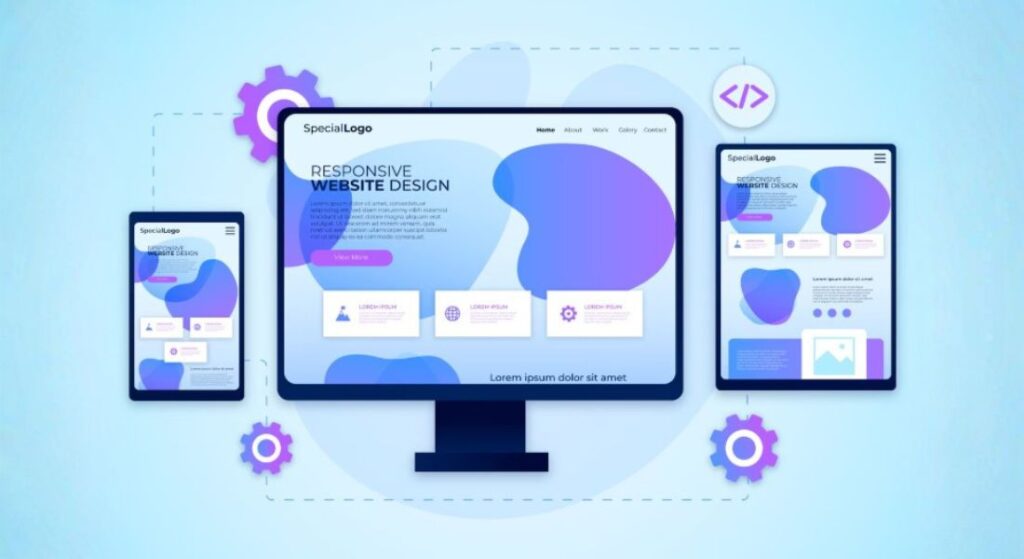
Before launch, preview your site on desktop, tablet, and mobile devices. Most modern themes, including those from providers like Themescarts, offer fully responsive designs that adapt beautifully to any screen size.
Ensuring a smooth user experience on mobile is crucial, as Google prioritizes mobile-first indexing in search rankings.
Step 8: Publish Your Website Live
Once you’re happy with the design and content, hit publish! Your site is now live to the world.
WordPress makes it easy to update your site at any time, add blog posts, change images, or tweak colors as your brand evolves.
Step 9: Ongoing SEO and Performance Optimization
To maintain and grow your site’s visibility, keep optimizing for SEO. Use free WordPress SEO plugins, update content regularly, and check your site speed.
For detailed collections of updated free themes optimized for SEO and performance, check out lists like the top free WordPress themes. These themes combine modern design, fast loading times, and built-in SEO features.
Avoid Common Pitfalls When Building Your WordPress Site
Avoiding common mistakes early on can save you time, frustration, and headaches as you build and grow your WordPress website. Here are some simple yet crucial pitfalls to watch out for to keep your site running smoothly and looking professional
- Choose Essential Plugins Only: Overloading your site with too many plugins can slow down its performance and create conflicts. Focus on installing only the plugins you truly need to keep your website fast and efficient.
- Regularly Back Up Your Website: Always schedule frequent backups of your website. This simple habit protects your data and ensures that you can quickly recover your site if anything goes wrong.
- Test Your Website Across Devices and Browsers: Make it a routine to check how your website appears and functions on multiple devices, like smartphones, tablets, and different web browsers. This helps you catch any layout or usability issues before visitors do.
- Maintain Consistent Branding: Use uniform colors, fonts, and styles throughout your entire site to create a professional and cohesive look that builds visitor trust and brand recognition.
- Optimize Your Images: Large image files increase page load times and hurt SEO. Compress and resize images before uploading, and consider using modern formats like WebP to improve site speed and user experience.
Conclusion
Creating a free website on WordPress for your business or blog is simpler than ever before, offering endless possibilities for growth, creativity, and connection with your audience. By following this step-by-step guide, you’ve learned how to set up your site, choose the right theme, customize your pages, and optimize your content for search engines. Remember, building a successful website is an ongoing journey that involves regular updates and thoughtful improvements.
Keeping your site fast, backed up, and user-friendly will help you retain visitors and grow your online presence. When ready, explore beautiful, customizable WordPress themes that fit your niche and style perfectly. Themescarts offers a wide collection of such themes designed to simplify your web-building experience and help you launch your professional site quickly and effectively.